
Confirm the service for the actual job
Winnipeg Public Library’s service guide includes photocopying and printing among its chargeable services. Use the current official information and your selected branch to confirm the format, available equipment, submission method and price for the job you need. This page is a preparation workflow rather than a live price list.
Be specific about what you are bringing: a digital file to print, a paper original to copy, or material to scan. Those tasks may need different equipment and instructions. Confirm color, paper size and any special requirement before traveling.
Prepare a clean print version
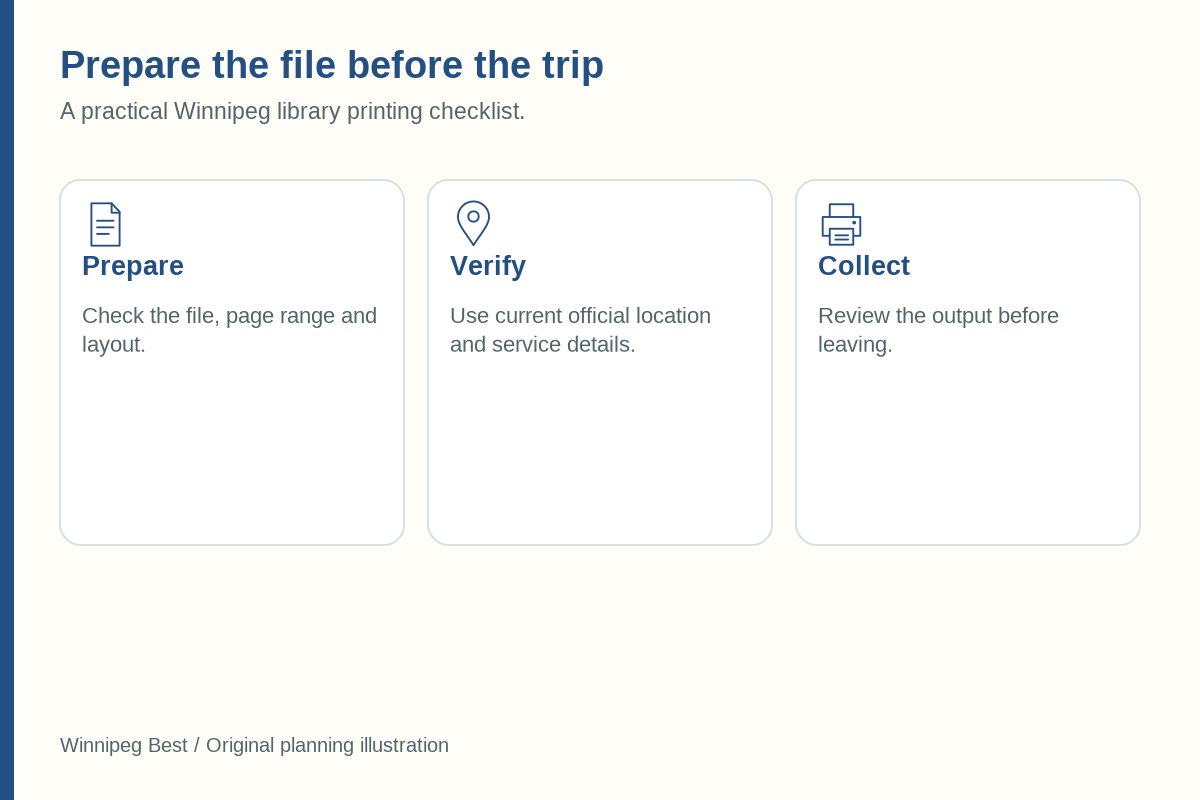
Open the document and check every page before leaving. Look for cropped text, unreadable images, hidden comments and an accidental extra blank page. If you export a PDF, open that exported file too; the export is the file that needs to be correct.
Give the file a recognizable name and record the page range and number of copies. Keep a private backup you can access if appropriate, but do not assume a branch supports a particular USB device, wireless upload or account login method.
Count printed sides, not just sheets
Ask whether the charge is per printed side and whether duplex printing is available for your job. A twelve-page document printed double-sided can use six sheets while still containing twelve printed sides. Multiply the chargeable sides by copies and the confirmed rate.
Illustrative calculation only: 12 sides × 2 copies × a hypothetical $0.25 per side = $6.00. The rate in this example is not a quoted Winnipeg library tariff. Replace it with the current confirmed charge and add any separately quoted cost.
Make the trip easier
- Check the chosen branch’s opening hours and any service alert.
- Confirm how to submit the file and pay for the job.
- Bring the page range, copy count and finishing requirements in writing.
- Preview one copy when the process allows before releasing a large job.
- Check the completed pages before leaving and take your originals with you.
Print-job ticket
| Field | Your job | Check |
|---|---|---|
| File / original | Name or description | Correct version opened |
| Pages / sides | Range and count | Blank pages excluded if unwanted |
| Copies | Quantity | Multiply by chargeable sides |
| Format | Size, color, one/two-sided | Branch supports it |
| Cost | Confirmed rate and any extras | Record the date checked |
Put the plan to work
Use your own information to make a practical next step.
Open the planning worksheetSources and review
These sources support the factual details in this guide. Policies, prices and services can change; check the official source before acting.
- Winnipeg Public Library: borrowing and service guideChecked November 24, 2026
- City of Winnipeg: library locations and hoursChecked November 24, 2026
An original planning resource. Sources identify the factual references used; examples and worksheets are our own.
How these guides are prepared